Manage Your Research Paper Backlog
TL;DR
Most researchers save far more papers than they read, and PDFs scattered across downloads folders and browser tabs quietly become a graveyard. This guide shows how to treat academic papers as first-class saved items you can triage, annotate, and listen to, so your backlog turns into a queue you actually finish.
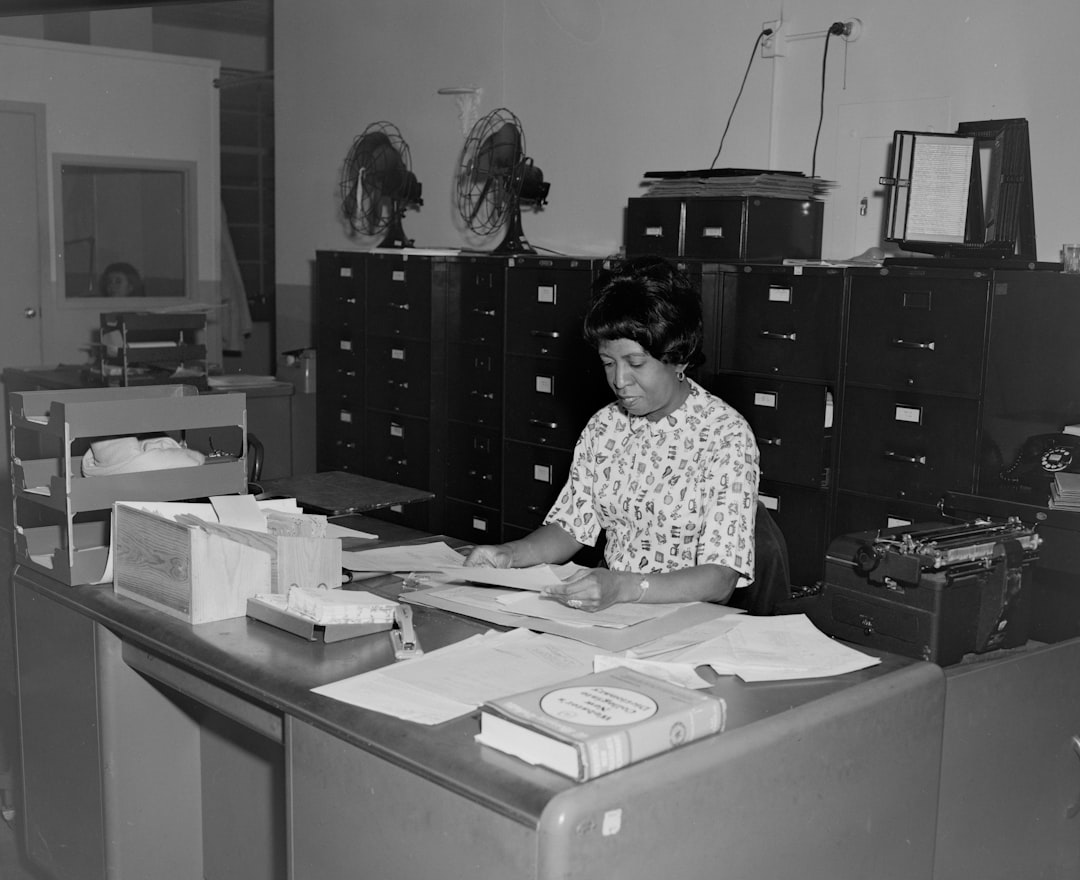
You know the feeling. A colleague drops a link in Slack, a preprint shows up on your feed, three tabs from a citation chase are still open — and every one of them is "important, I'll read it later." Later rarely comes.
Research reading has a peculiar failure mode. The act of saving a paper feels like progress, so your intent to read gets satisfied the moment you bookmark it. The paper piles up, the tab count climbs, and the backlog becomes background anxiety instead of knowledge.
This tutorial walks through a repeatable system for handling academic PDFs, preprints, and journal links: capture everything in one place, triage ruthlessly, annotate as you read, and use listening to clear the papers you'd otherwise never open.
Why research papers pile up faster than you read them
The volume problem is real and getting worse. Monthly submissions to arXiv alone have climbed for over three decades, and preprint servers have made early-stage work instantly accessible. More reaches you than ever, through more channels than ever.
Meanwhile, saving is frictionless and reading is not. A single click stores a paper; actually reading it demands 30 to 60 minutes of uninterrupted attention — a resource in chronic shortage. Psychologists have long described the tendency to over-collect information relative to how much we use it, and research reading is a textbook case.
There's also a channel-fragmentation problem. One paper lives in your email, another in a browser bookmark, a third in your Downloads folder as s41586-024-xxxxx.pdf, and a fourth as an open tab you're afraid to close. There's no single surface where "my reading queue" actually exists.
Psychology has a name for this: the Zeigarnik effect, the tendency for unfinished tasks to keep pulling at attention until they're either completed or deliberately closed out. Your unread-paper sprawl is dozens of tiny open loops. The fix isn't more willpower; it's a single inbox with a triage process.
Step 1: Capture every paper in one inbox
The first rule is that every paper goes to the same place, regardless of where you found it. If it lands in email, a feed, or a tab, it gets saved to your reading inbox — not left where you found it.
A dedicated read-it-later app built for this treats a journal URL, an arXiv preprint link, and a raw PDF as the same kind of object: a saved item you'll process later. That matters, because academic content arrives in messy formats. Omphalis is designed to take those PDFs, preprints, and journal links as first-class saved items rather than second-class attachments.
Capture should be a reflex, not a decision. When you see a paper, save it and move on — don't try to read it in the moment, and don't judge whether it's worth reading yet. Judgment happens at triage, which keeps capture fast and frictionless.
The payoff is psychological as much as practical. Once you trust that everything is in one inbox, you can close the tab, archive the email, and stop holding the paper in your head. The queue remembers so you don't have to.
Step 2: Triage before you read
An inbox without triage is just a bigger pile. Set aside a few minutes — daily or weekly — to sort what you've captured before committing real reading time to anything.
A fast triage pass
For each saved paper, make one quick decision:
- Read now — directly relevant to what you're working on this week.
- Read later — useful but not urgent; keep it in the queue.
- Skim only — you need the abstract, method, or one figure, not the whole thing.
- Archive or drop — interesting once, not anymore. Letting go is a feature.
This is where a proper reading tool beats a bookmarks folder. You can scan titles and abstracts in one view and clear a dozen items in minutes. Triage protects your reading time by making sure it goes to papers that actually earn it.
Be honest in this pass. Most backlogs contain papers you saved out of aspiration, not need. Archiving them isn't failure — it's the mechanism that keeps the queue trustworthy. A backlog you never prune is a backlog you'll eventually abandon.
Step 3: Annotate as you read, not after
Passive reading is the enemy of retention. Decades of learning research point to the same conclusion: actively engaging with material — questioning it, summarizing it, connecting it — produces far better recall than re-reading alone. The "active" part is where highlighting and note-taking earn their keep.
The trick is to annotate inside your reading tool, so highlights and notes stay attached to the paper instead of scattering into a separate app. When you highlight and annotate directly on the saved item, your margin notes and pulled quotes become a durable, searchable layer you can return to months later.
A simple annotation discipline works well for papers:
- Highlight the claim, not the whole paragraph.
- Note why a passage matters in your own words — future-you won't remember.
- Flag the method and any limitations separately; these are what you'll cite or critique.
The goal is to build a personal knowledge layer, not a rainbow of highlights. When you revisit a paper for a literature review or a citation, your annotations should reconstruct your thinking in seconds. That's the difference between having read a paper and being able to use it.
Step 4: Listen to the papers you'll never sit down for
Here's the honest truth about most backlogs: some papers will never get a dedicated reading session. The intent is there; the quiet hour isn't.
Listening reclaims those papers. Turning a queued PDF into audio lets you get through review articles and background reading during a commute, a walk, or while doing chores — time that was never going to become desk-reading time anyway. Omphalis lets you listen to saved papers with natural voices, so your backlog moves even when your eyes are busy.
Listening won't replace close reading of a dense proof or a critical figure. But for triage-level comprehension — getting the gist, deciding whether a paper deserves a deep read, staying current in adjacent fields — it's a genuine unlock. Audio and reading are complementary passes over the same queue, not competitors.
Combined with highlights and annotations, listening closes the loop: you capture everything, triage fast, engage actively, and use every kind of downtime to keep the queue moving. The backlog stops growing because things finally leave it.
Bringing it together
A research backlog isn't a discipline problem — it's a systems problem. Capture everything into one inbox, triage before you read, annotate as you go, and listen to the papers you'd otherwise never open. That's a queue you can actually finish.
If your papers are scattered across tabs, downloads, and inboxes, a purpose-built reader is the missing piece. Omphalis treats academic PDFs, preprints, and journal links as first-class saved items you can triage, annotate, and listen to — so staying current stops feeling like drowning and starts feeling like progress.